★★★★★#1 AI Visual Staging Platform

🍳 Sell the Dream Kitchen Before Demo Day

📸

Preview cabinets, countertops, and layouts in the actual kitchen

📲

Reduce change orders with visual approvals at each decision point

💰

Show the before/after at completion — generate referrals automatically

⚡ 3 free generations · No credit card required

or

If you already have an account, we'll log you in

Fewer Changes

Visual approval before every phase

Faster Closes

Show the dream kitchen upfront

Any Style

Modern, farmhouse, transitional +more

1-Click Share

Client approves via link, remotely

Kitchen Remodeling

Cabinet Style & Color Selection

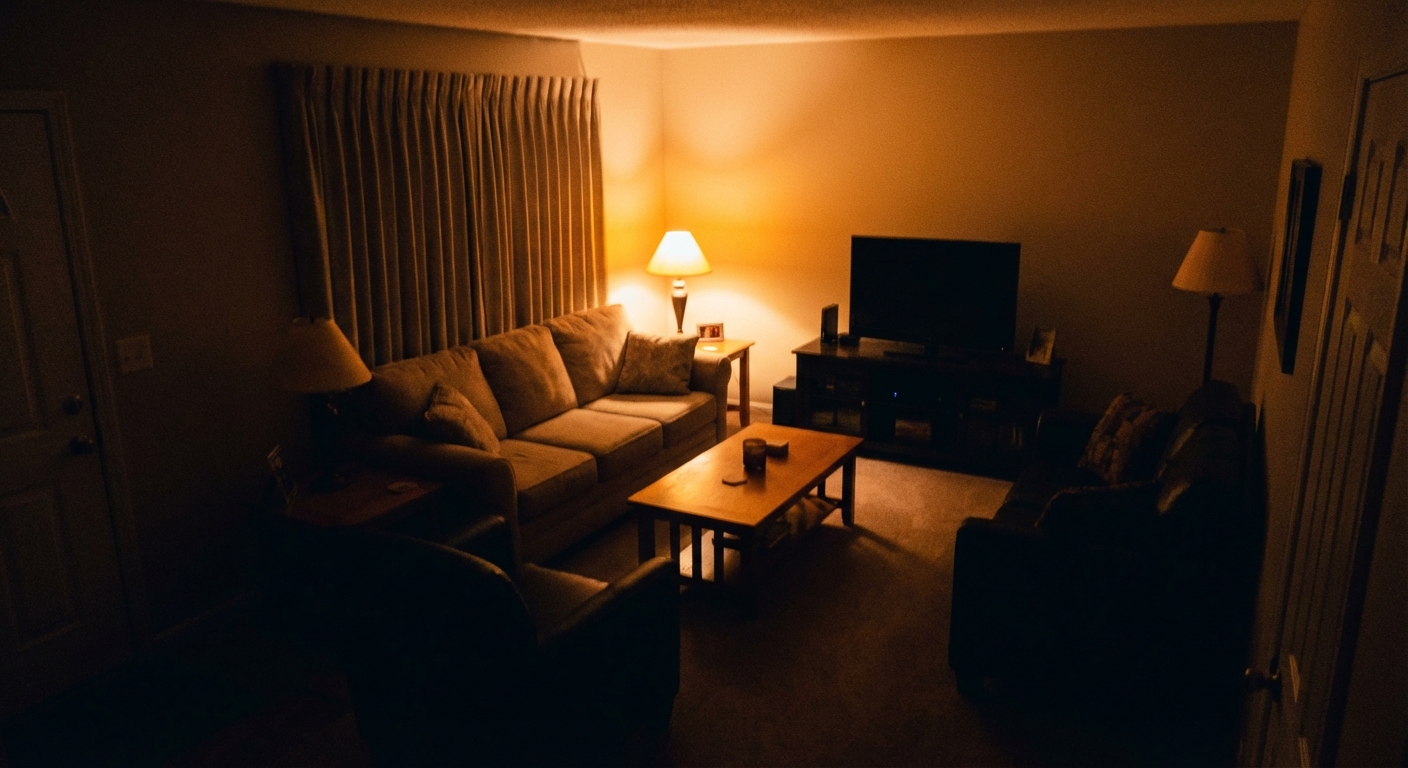
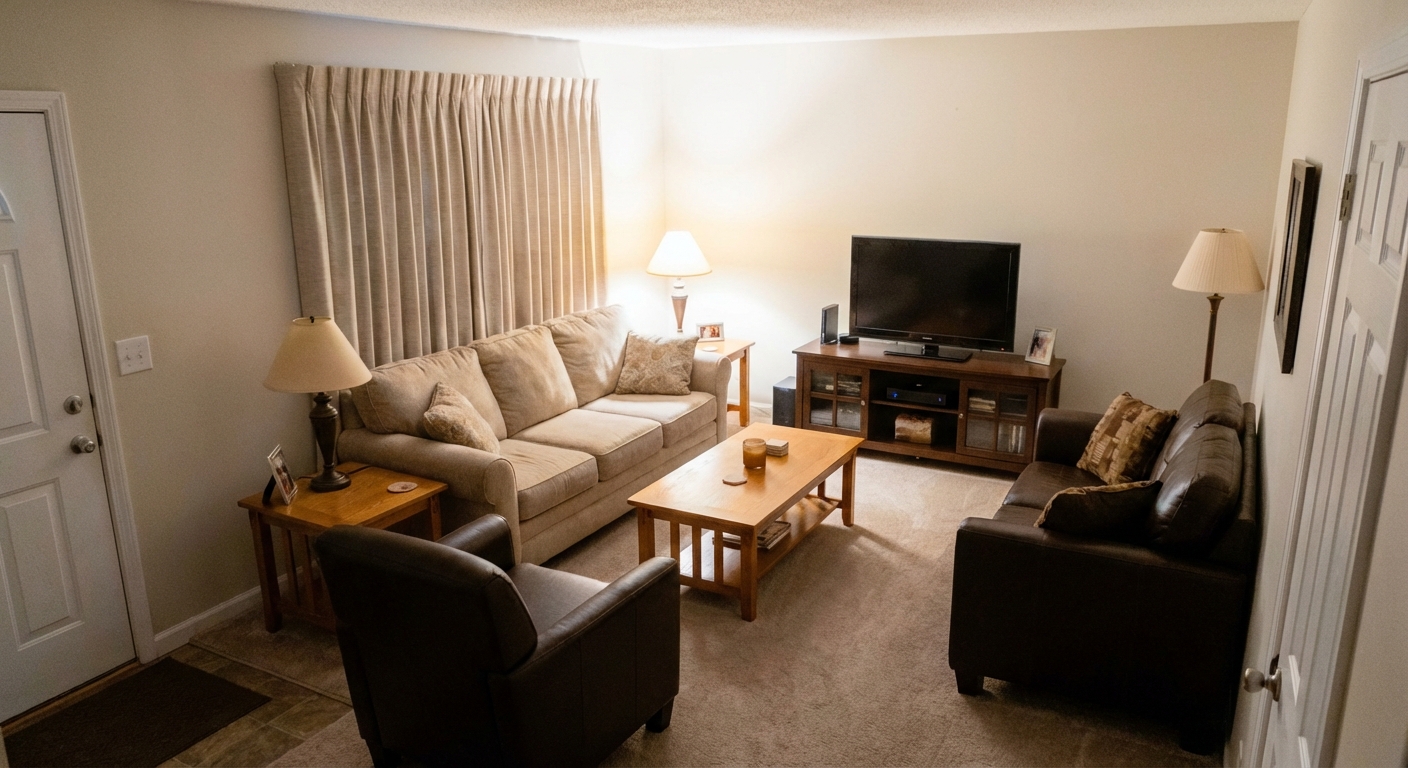
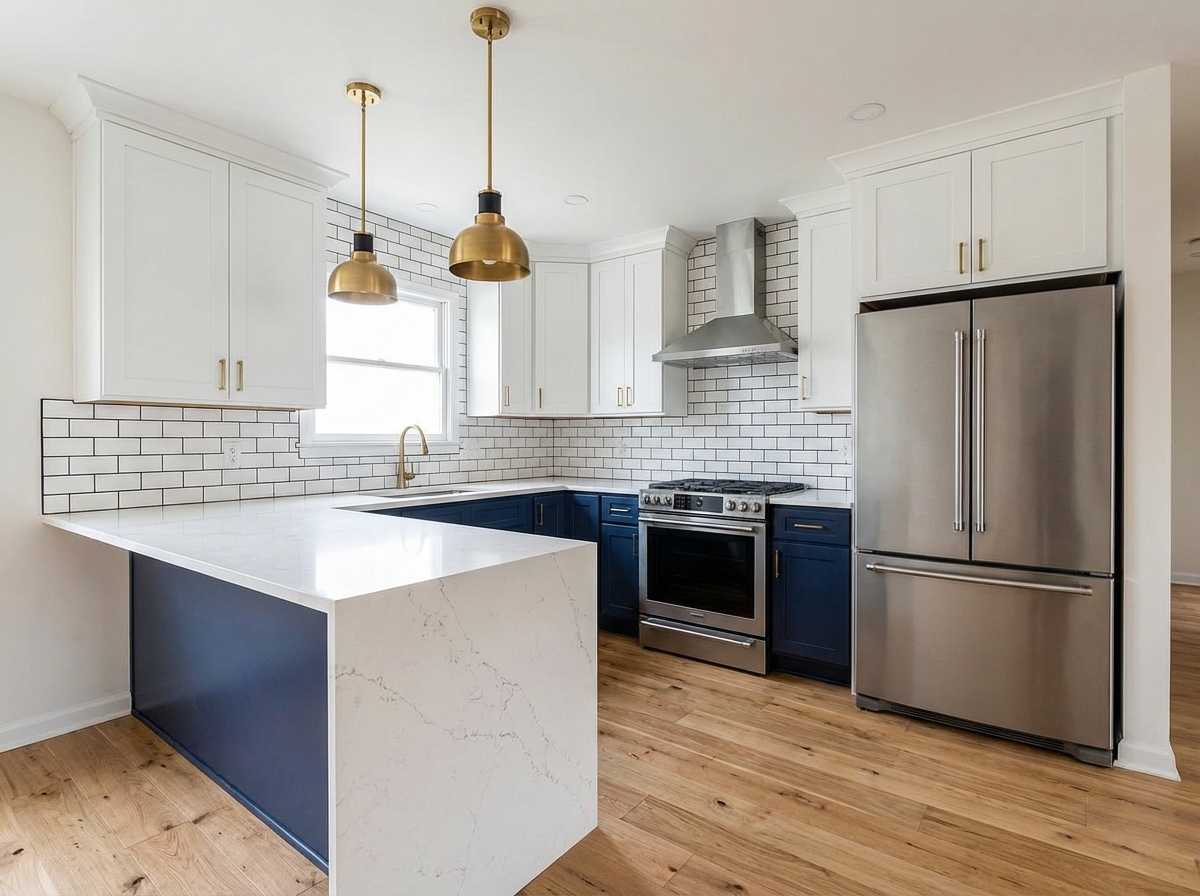
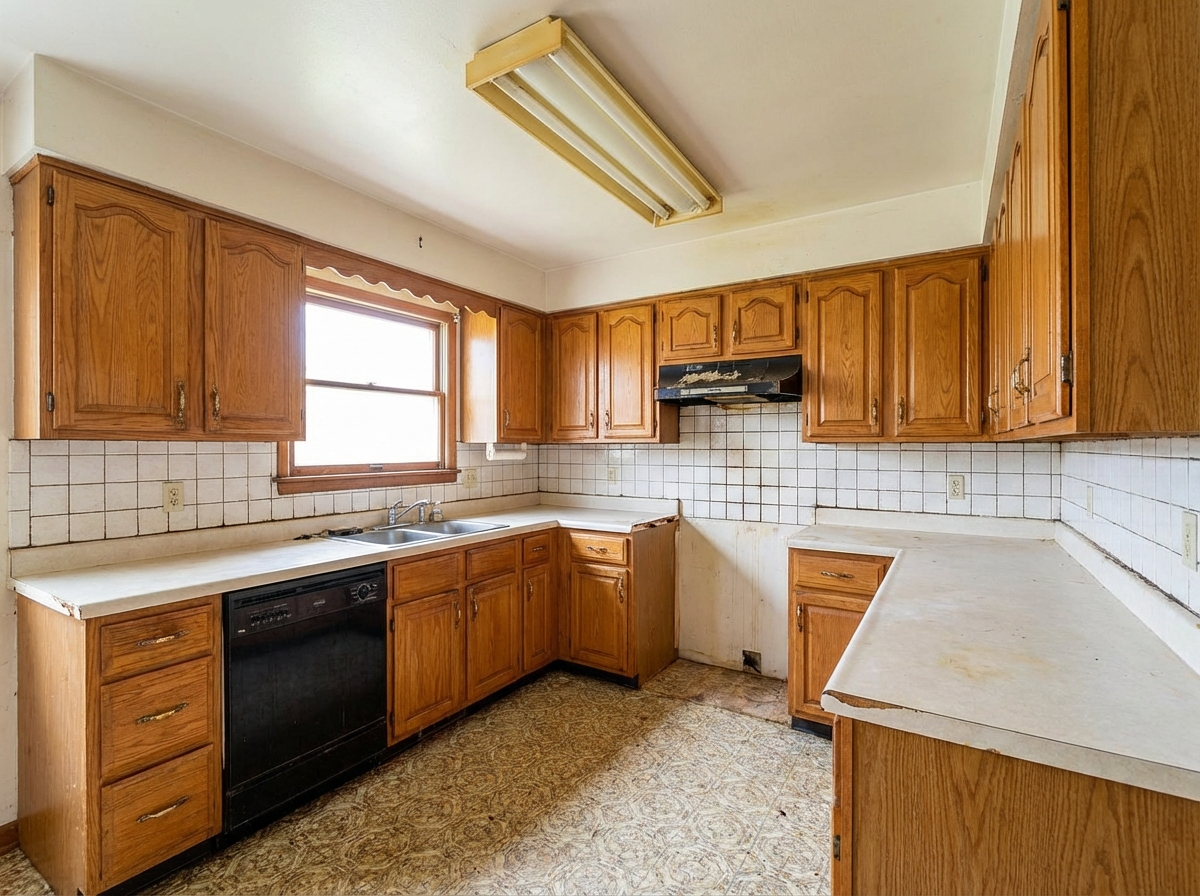
Upload a photo of the current kitchen. Preview Shaker white cabinets, navy lowers with white uppers, or open-shelf layouts — in the real space. Clients make confident decisions without second-guessing.

Existing kitchen
New cabinet design
Existing kitchen
New cabinet design
← drag to compare →
Kitchen Remodeling

Full Renovation — Demo to Finished

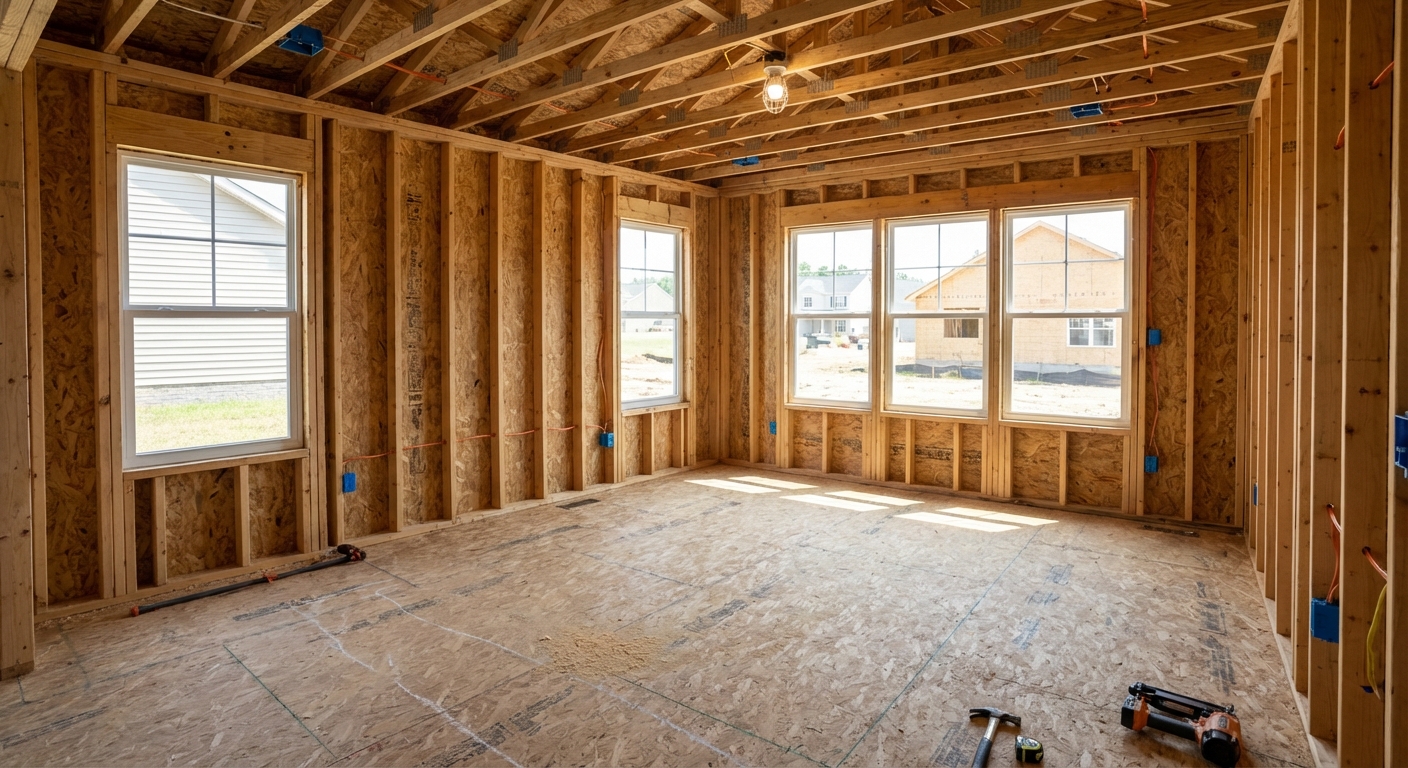
Document the demolition, the rough-in, the install, and the finished product. Send clients a weekly progress link and a final before/after they'll share with everyone they know.

During demo
Finished kitchen
During demo
Finished kitchen
← drag to compare →
Kitchen Remodeling

Upsell the Island & Backsplash

Show clients the before/after with and without the upgraded island, waterfall countertop, or tile backsplash. The visual makes the upsell effortless.

Base package
With upgrades
Base package
With upgrades
← drag to compare →
Features

Everything Kitchen Remodeling Pros Need

Built for the way kitchen remodeling businesses actually work.

🍳
Kitchen Visualizations
Preview cabinets, counters, and backsplashes in the real kitchen.
Visual Phase Approvals
Get sign-off on selections before each phase starts.
💰
Upsell Tool
Show the with/without upgrade comparison — let clients sell themselves.
📸
Project Documentation
Demo to final walkthrough — every phase timestamped and shareable.
📲
Remote Client Access
Clients approve selections from anywhere — no showroom visit needed.
👥
Project Manager Access
Team plan keeps all your PMs and designers on one account.
How It Works

Up and Running in 3 Steps

1

Photo the Existing Kitchen

Snap the current kitchen at the estimate. Upload from your phone.

2

Generate Design Options

AI renders cabinet, countertop, and layout options in the real space.

3

Client Approves & Signs

Share the options link — client chooses and signs on the spot.

Share with Clients

One Click to Share the Before & After

The moment a job wraps, send your client a professional before/after link — via text or email. No app download, no login required on their end.

  • Works on any phone — client sees it instantly, no app needed
  • Text or email a link; they see the side-by-side in one tap
  • Upload from the job site in seconds
  • Whole team can share — usage tracked per person

Share Project

Client gets a link — no account needed
Before
After
stagesnap.ai/share/abc123...

Clients get a professional before/after — on any device, instantly

Pricing

Simple, Transparent Pricing

Start free, upgrade when you need more

Free
Try StageSnap for free
$0/month
  • 3 credits/month
  • Basic styles
  • Add & remove items
  • Standard quality
Most Popular
Pro
For professionals
$49.99/month

or $499/year (save 17%)

  • 50 credits/month
  • 75 credits/month (annual)
  • All design styles
  • HD quality exports
  • Priority processing
  • Client sharing links
Pro + Video
Everything in Pro, plus video
$79/month

or $699/year (save 26%)

  • Everything in Pro
  • Video walkthroughs
  • Before/after reveal videos
  • Construction timelapses
  • Priority support
Team
Shared credits for teams
$99/month

or $999/year (save 16%)

  • 200 credits/month shared
  • 300 credits/month (annual)
  • Owner + manager visibility
  • Per-member credit limits
  • $0.30/overage credit
  • All styles & HD exports
🍳

Close More Kitchen Remodels Starting Today

Free to try — first 3 visualizations on us.