★★★★★#1 AI Visual Staging Platform

🪵 Show Clients the New Floor Before a Single Plank is Cut

📸

Preview LVP, hardwood, or tile in the client's actual room

📲

Show stain options on existing hardwood before any sanding

💰

Close faster — clients who see it buy it

⚡ 3 free generations · No credit card required

or

If you already have an account, we'll log you in

Zero Second Guessing

Clients see the floor before install

Any Floor Type

LVP, hardwood, tile, carpet

30 Seconds

Preview on their real floor

1 Click Share

Client approves from phone
Flooring

LVP & Hardwood Installation Preview

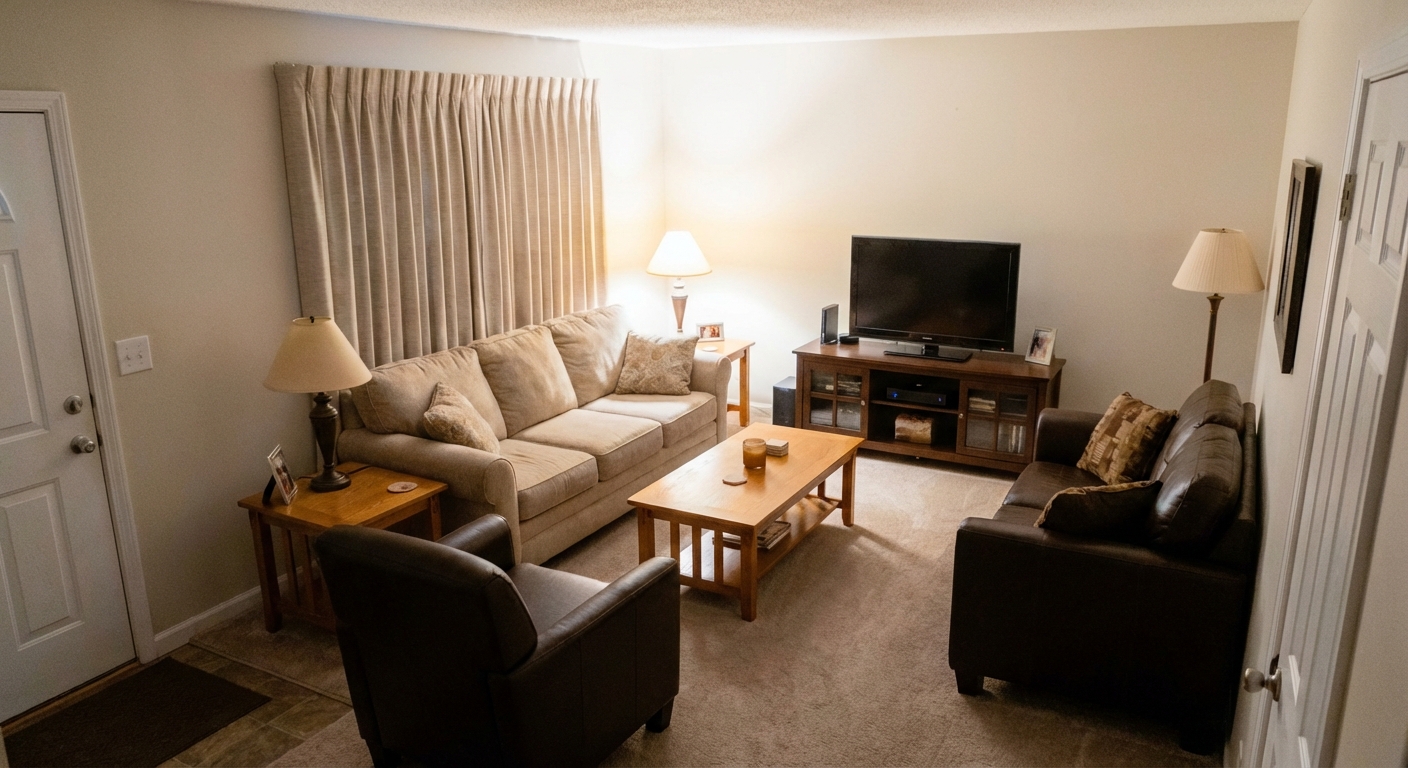
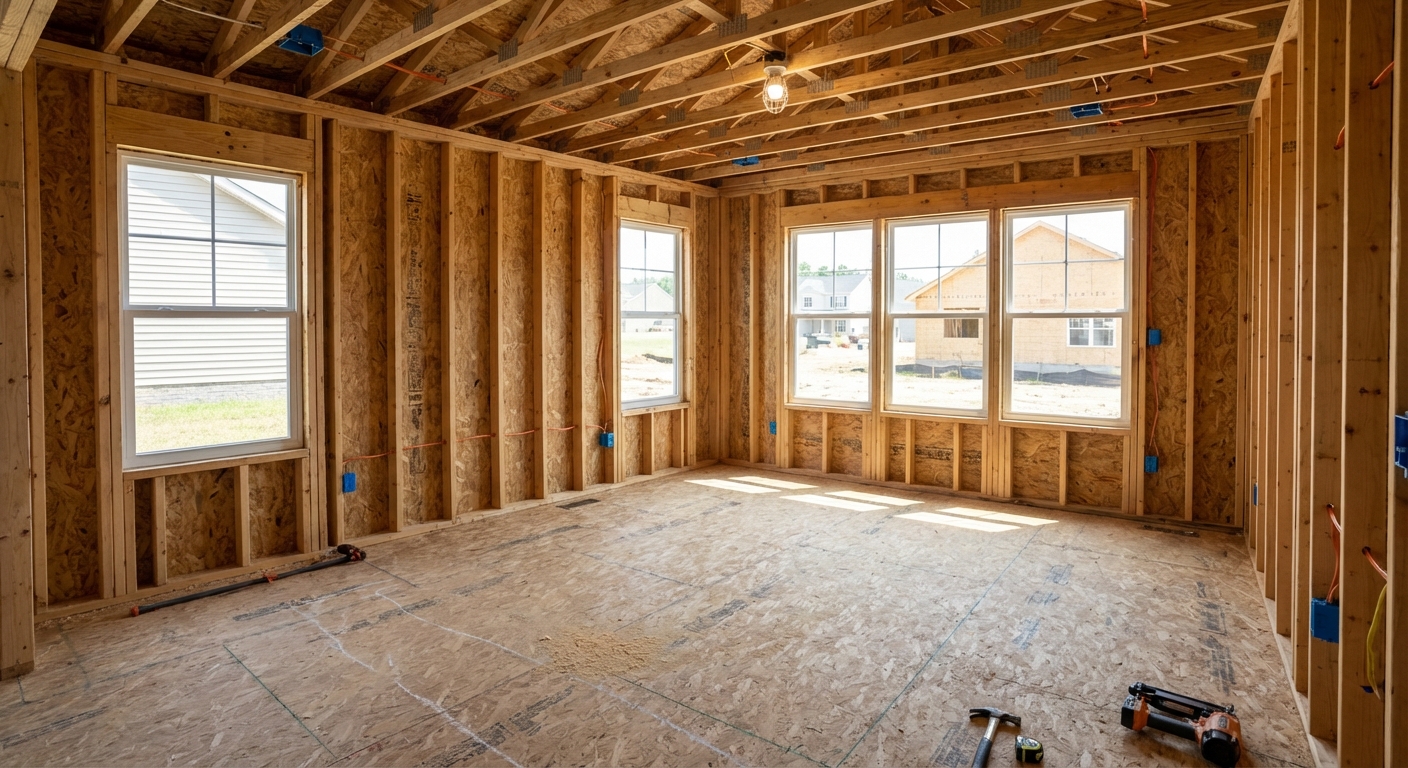
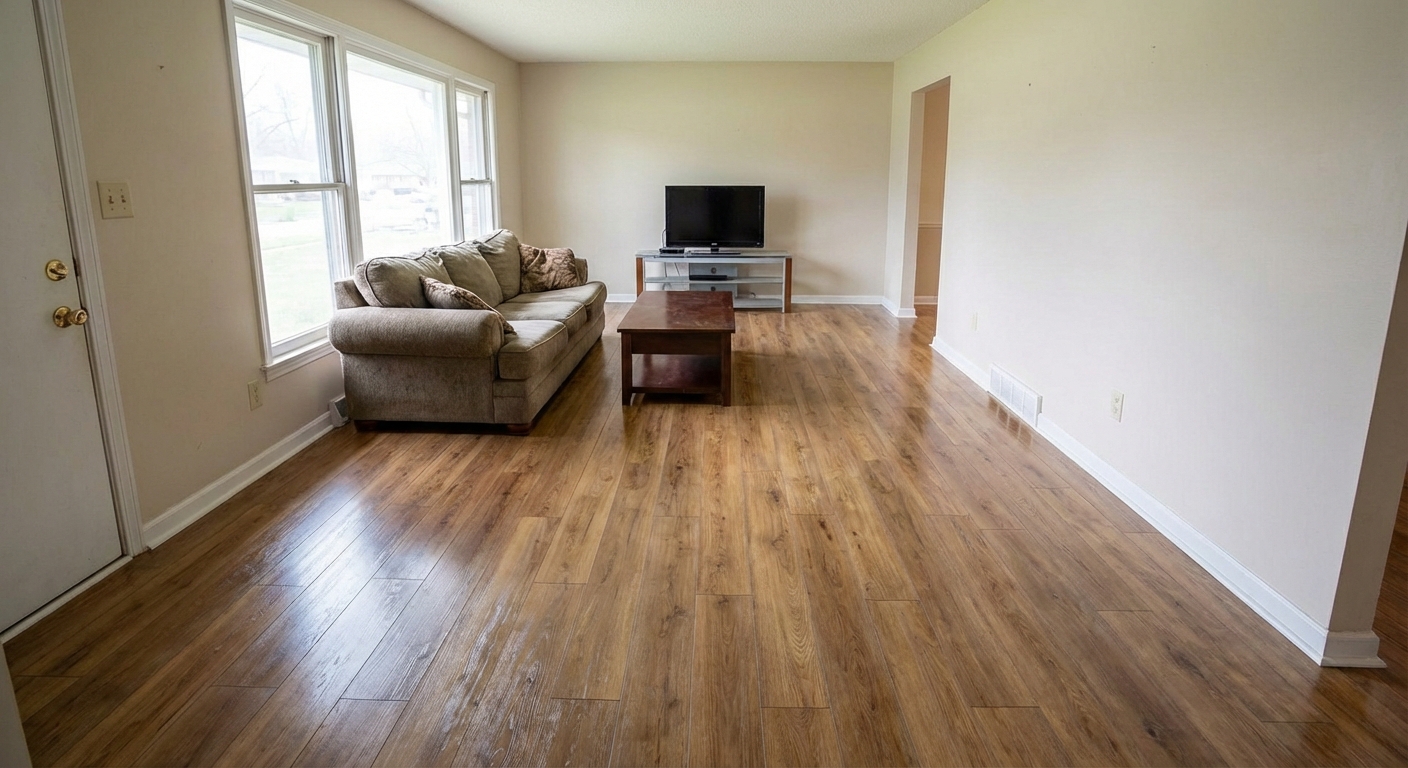
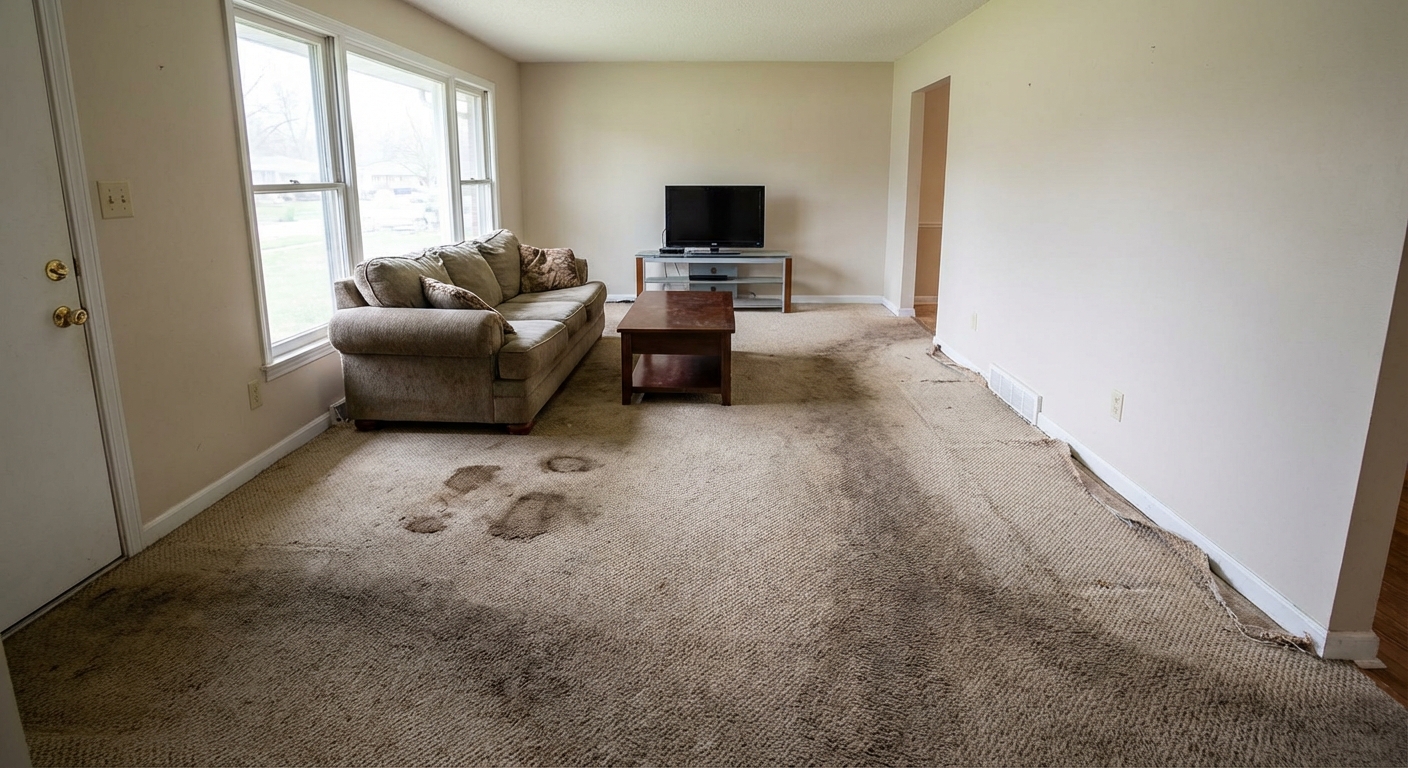
Upload a photo of the room and preview luxury vinyl plank or hardwood flooring laid out in the actual space. Clients see exactly what they're getting before a single plank is unboxed.

Current flooring
New LVP installed
Current flooring
New LVP installed
← drag to compare →
Flooring

Hardwood Stain Selection

Show clients the difference between dark walnut, natural, gray wash, or ebony — on their actual existing floors. Make the stain decision before any sanding starts.

Existing hardwood
After refinish + stain
Existing hardwood
After refinish + stain
← drag to compare →
Flooring

Tile Pattern & Layout Selection

Herringbone or straight lay? Large format or subway? Preview tile patterns and grout colors in the client's real bathroom or kitchen — before any demo.

Current tile / subfloor
New tile installed
Current tile / subfloor
New tile installed
← drag to compare →
Features

Everything Flooring Pros Need

Built for the way flooring businesses actually work.

🪵
Floor Type Previews
Preview LVP, hardwood, tile, and carpet in any room.
🎨
Stain & Color Options
Compare finish colors on the client's actual existing floor.
📐
Pattern Visualization
Herringbone, straight lay, chevron — visualized before install.
📲
Remote Approvals
Client sees options and approves without a showroom visit.
📸
Before/After Portfolio
Document every install — build your portfolio automatically.
👥
Installer Team Access
Team plan keeps all your crews and sales reps aligned.
How It Works

Up and Running in 3 Steps

1

Photo the Room

Snap the room with the current floor during the estimate. Upload instantly.

2

Preview the New Floor

AI renders your chosen flooring in the actual room in under 30 seconds.

3

Client Approves & Signs

Share the preview link. Client sees it and signs the contract.

Share with Clients

One Click to Share the Before & After

The moment a job wraps, send your client a professional before/after link — via text or email. No app download, no login required on their end.

  • Works on any phone — client sees it instantly, no app needed
  • Text or email a link; they see the side-by-side in one tap
  • Upload from the job site in seconds
  • Whole team can share — usage tracked per person

Share Project

Client gets a link — no account needed
Before
After
stagesnap.ai/share/abc123...

Clients get a professional before/after — on any device, instantly

Pricing

Simple, Transparent Pricing

Start free, upgrade when you need more

Free
Try StageSnap for free
$0/month
  • 3 credits/month
  • Basic styles
  • Add & remove items
  • Standard quality
Most Popular
Pro
For professionals
$49.99/month

or $499/year (save 17%)

  • 50 credits/month
  • 75 credits/month (annual)
  • All design styles
  • HD quality exports
  • Priority processing
  • Client sharing links
Pro + Video
Everything in Pro, plus video
$79/month

or $699/year (save 26%)

  • Everything in Pro
  • Video walkthroughs
  • Before/after reveal videos
  • Construction timelapses
  • Priority support
Team
Shared credits for teams
$99/month

or $999/year (save 16%)

  • 200 credits/month shared
  • 300 credits/month (annual)
  • Owner + manager visibility
  • Per-member credit limits
  • $0.30/overage credit
  • All styles & HD exports
🪵

Start Closing More Flooring Jobs Today

Free to try — first 3 previews on us. No credit card.