★★★★★#1 AI Visual Staging Platform

🪵 Show Clients Their New Fence Before You Pull a Single Post

📸

Preview any fence style on the client's actual property from one photo

📲

Show cedar natural vs dark walnut stain vs white vinyl side-by-side

💰

Clients pick their style at the quote — deposits collected on the spot

⚡ 3 free generations · No credit card required

or

If you already have an account, we'll log you in

Quote-Day Close

Clients choose their fence style at the estimate

Material Previews

Cedar, vinyl, aluminum, chain link — any material rendered

Stain Options

Show natural, walnut, ebony, and cedar tones on the same fence

Shareable Link

Text the before/after — no app, no login required

Fence Installation

Open Yard → Cedar Privacy Fence

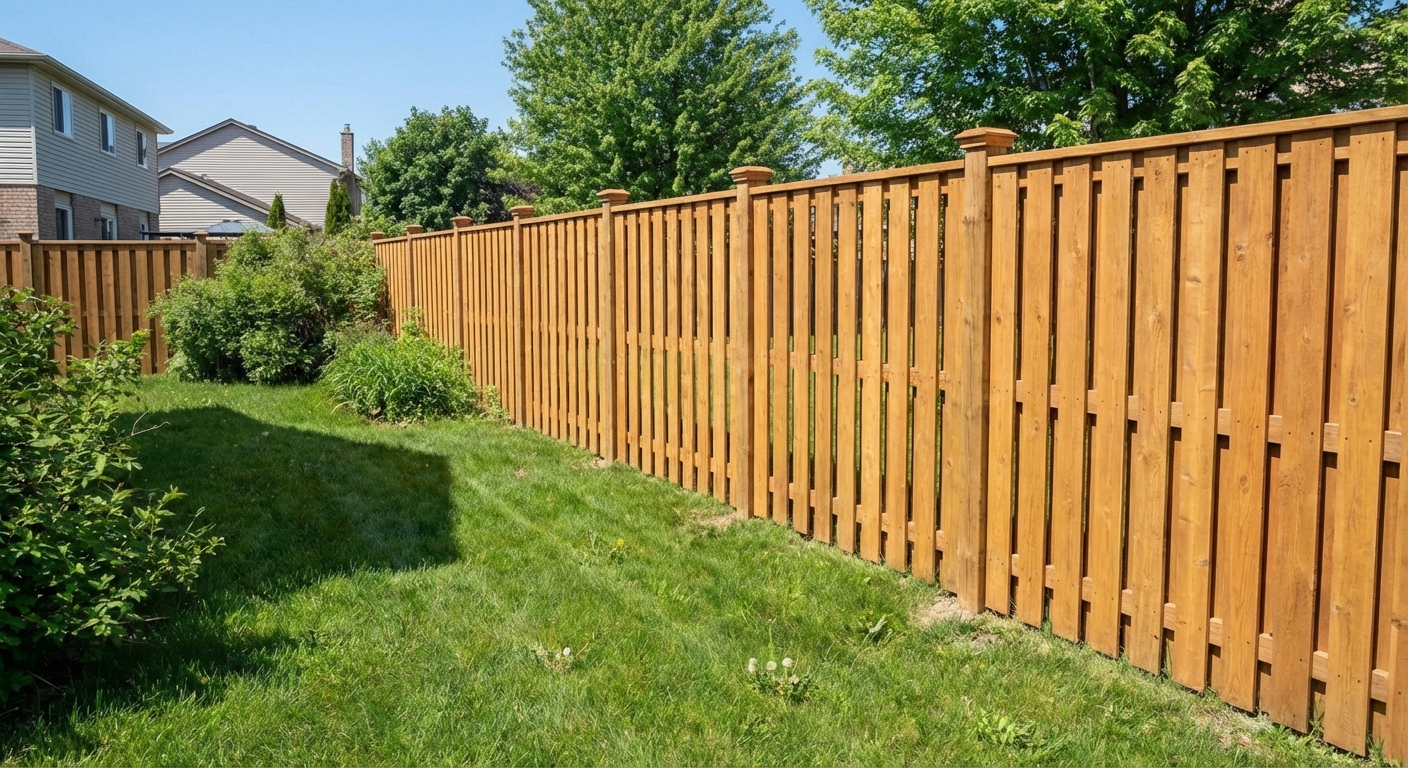
Upload the client's open backyard. AI renders a 6-foot cedar board-on-board privacy fence in their chosen stain along the full property line. Same yard, same neighbors, same camera angle — with a beautiful new fence that gives them the privacy they want.
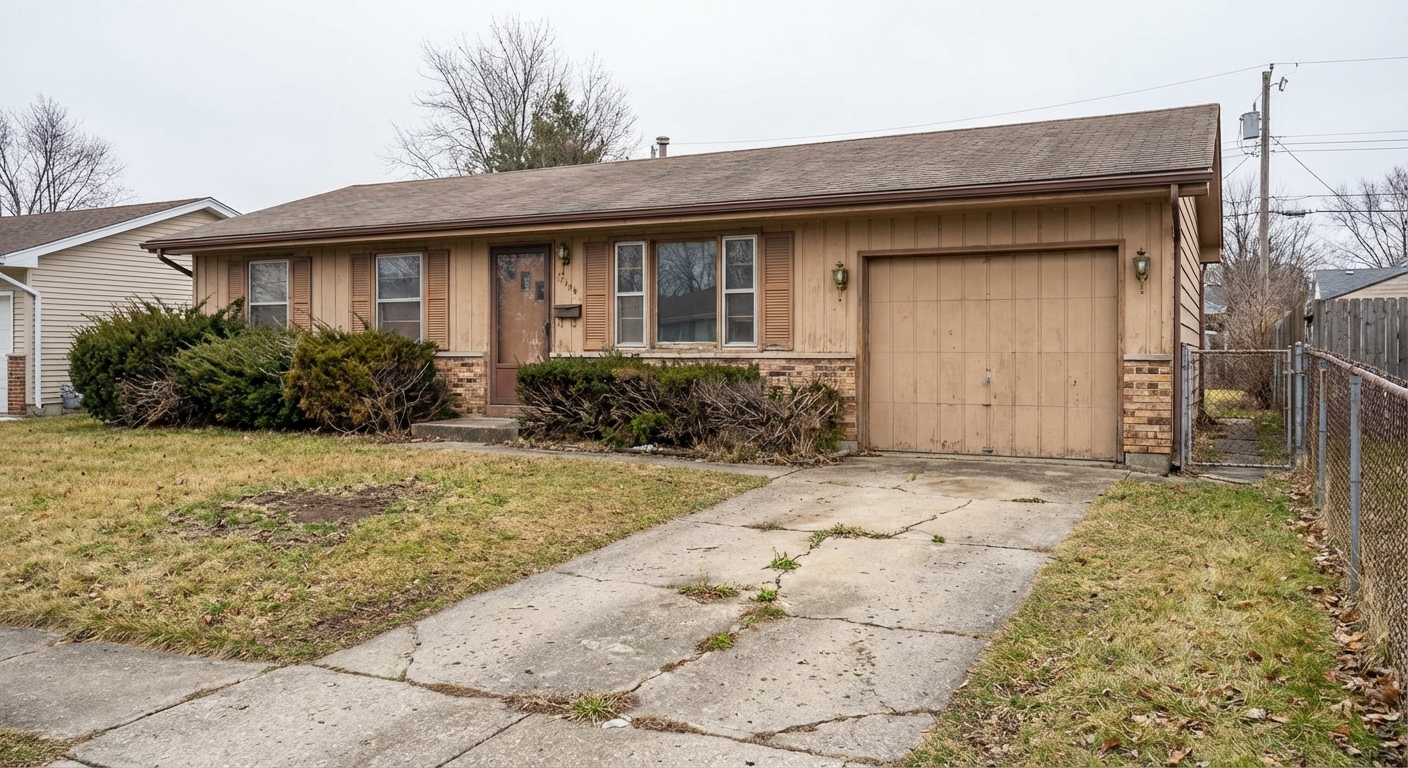
Current yard
New cedar fence installed
Current yard
New cedar fence installed
← drag to compare →
Fence Installation

Show Stain Options — Natural vs Dark Walnut vs White

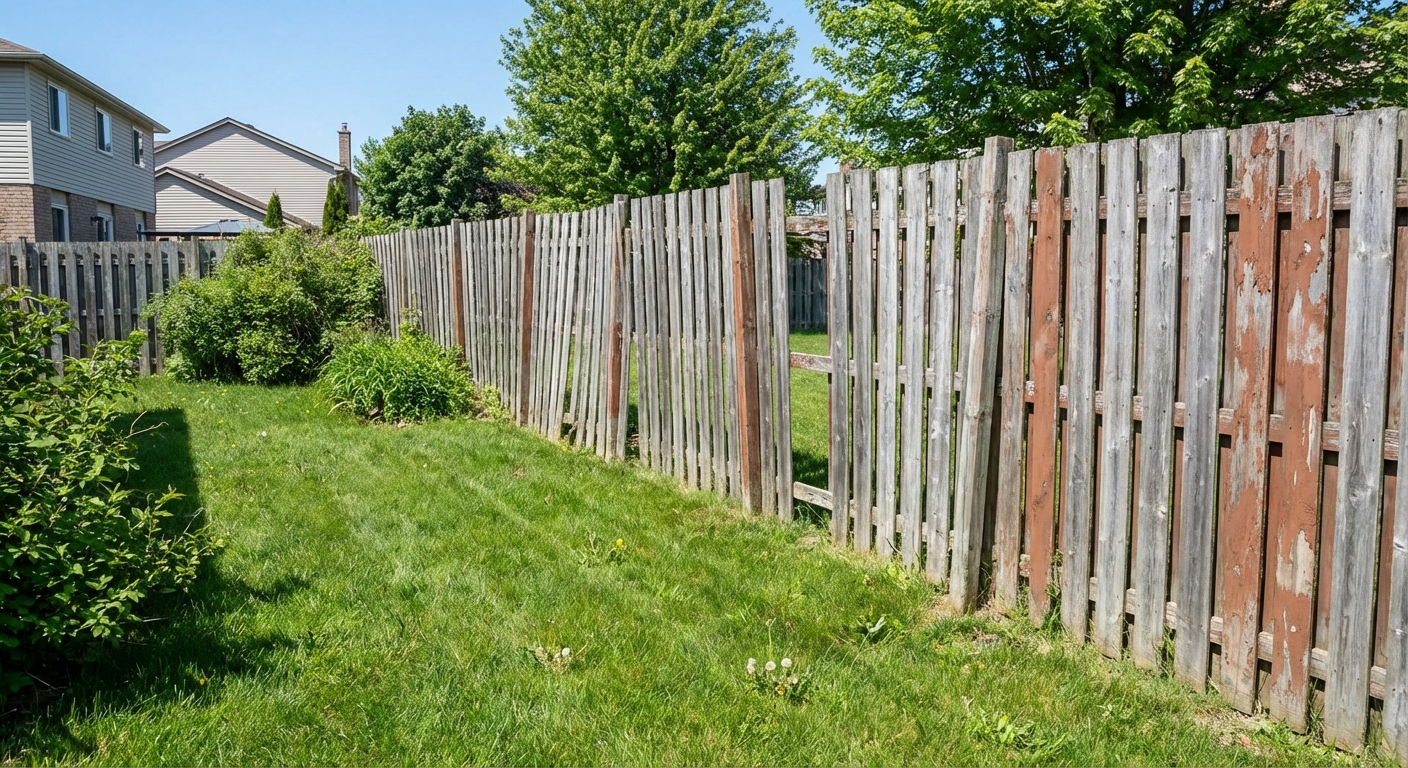
The #1 fence upgrade question: "What stain should I get?" Show all three options on their actual yard. Clients pick instantly instead of delaying the decision for weeks.

Existing fence
New stain applied
Existing fence
New stain applied
← drag to compare →
Features

Everything Fence Installation Pros Need

Built for the way fence installation businesses actually work.

🪵
Any Style, Any Material
Cedar, vinyl, aluminum, wrought iron, chain link — any fence on any property.
🎨
Stain & Color Options
Natural, dark walnut, ebony, white, black — show every finish on the same fence.
📁
Product Sample Library
Save your fence material photos — pull any into a client quote instantly.
📲
Shareable Quote Visuals
Text the rendering to clients. They show spouses. Decisions happen same day.
🎯
Upsell to Premium
Show board-on-board vs dog-ear vs horizontal slat — premium styles sell themselves.
👥
Team Plan
Your full crew under one account with shared product libraries.
How It Works

Up and Running in 3 Steps

1

Photo the Property Line

Shoot where the fence will go. Any angle, any phone.

2

Select Fence Style & Material

Choose from your saved product library or pick a preset style.

3

Client Picks, Job Signed

Show the rendering at the quote. Style chosen. Contract signed. Deposit collected.

Share with Clients

One Click to Share the Before & After

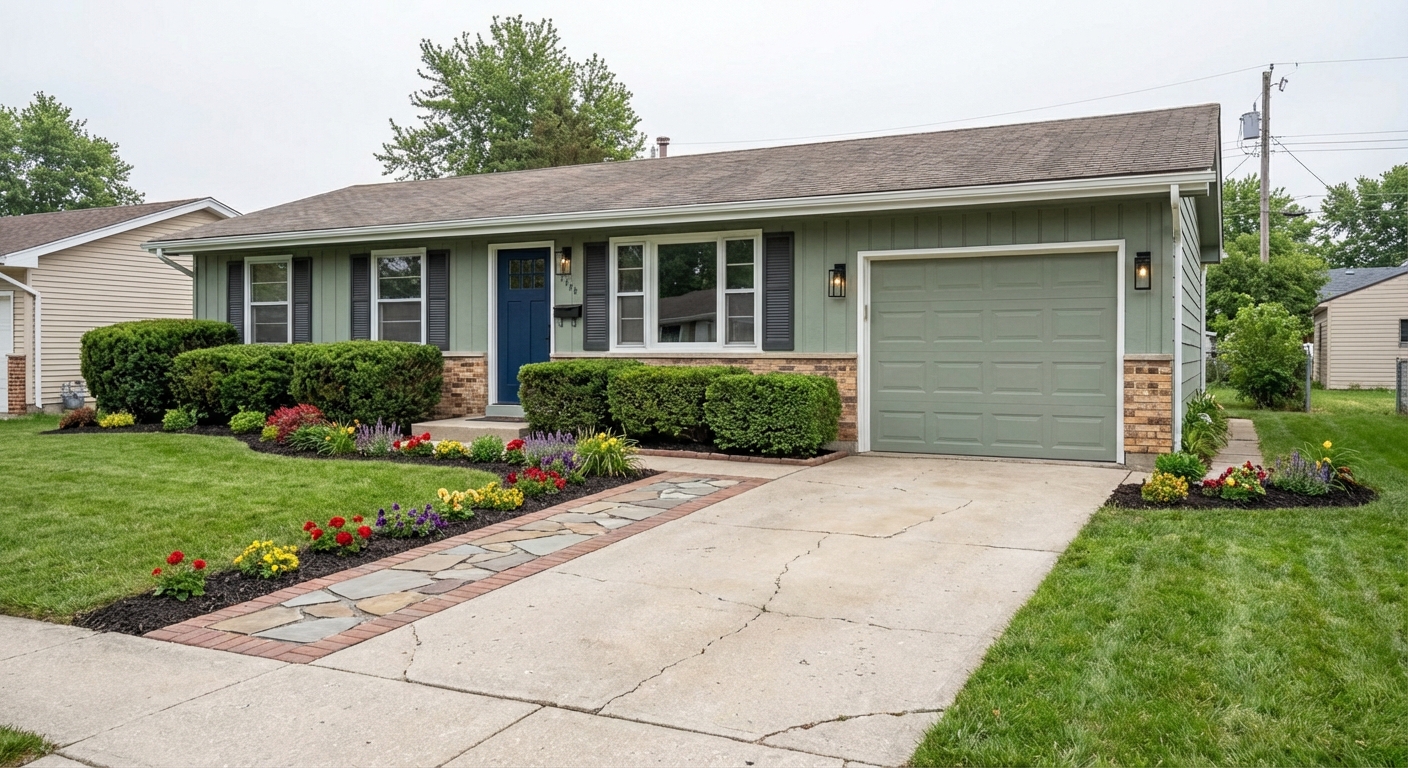
The moment a job wraps, send your client a professional before/after link — via text or email. No app download, no login required on their end.

  • Works on any phone — client sees it instantly, no app needed
  • Text or email a link; they see the side-by-side in one tap
  • Upload from the job site in seconds
  • Whole team can share — usage tracked per person

Share Project

Client gets a link — no account needed
Before
After
stagesnap.ai/share/abc123...

Clients get a professional before/after — on any device, instantly

Pricing

Simple, Transparent Pricing

Start free, upgrade when you need more

Free
Try StageSnap for free
$0/month
  • 3 credits/month
  • Basic styles
  • Add & remove items
  • Standard quality
Most Popular
Pro
For professionals
$49.99/month

or $499/year (save 17%)

  • 50 credits/month
  • 75 credits/month (annual)
  • All design styles
  • HD quality exports
  • Priority processing
  • Client sharing links
Pro + Video
Everything in Pro, plus video
$79/month

or $699/year (save 26%)

  • Everything in Pro
  • Video walkthroughs
  • Before/after reveal videos
  • Construction timelapses
  • Priority support
Team
Shared credits for teams
$99/month

or $999/year (save 16%)

  • 200 credits/month shared
  • 300 credits/month (annual)
  • Owner + manager visibility
  • Per-member credit limits
  • $0.30/overage credit
  • All styles & HD exports
🪵

Win More Fence Jobs at the Quote

First 3 fence previews free. No credit card.